Photoshop Mobile Added Voice Commands
We have all been there. You are sitting on the train, trying to edit a photo on your smartphone, and your thumbs are simply too big for the tiny sliders on the screen. Selecting a stray hair or trying to mask out a photobomber on a six-inch display can test the patience of even the most zen graphic designer.
What if you could just tell your phone to fix the picture for you?
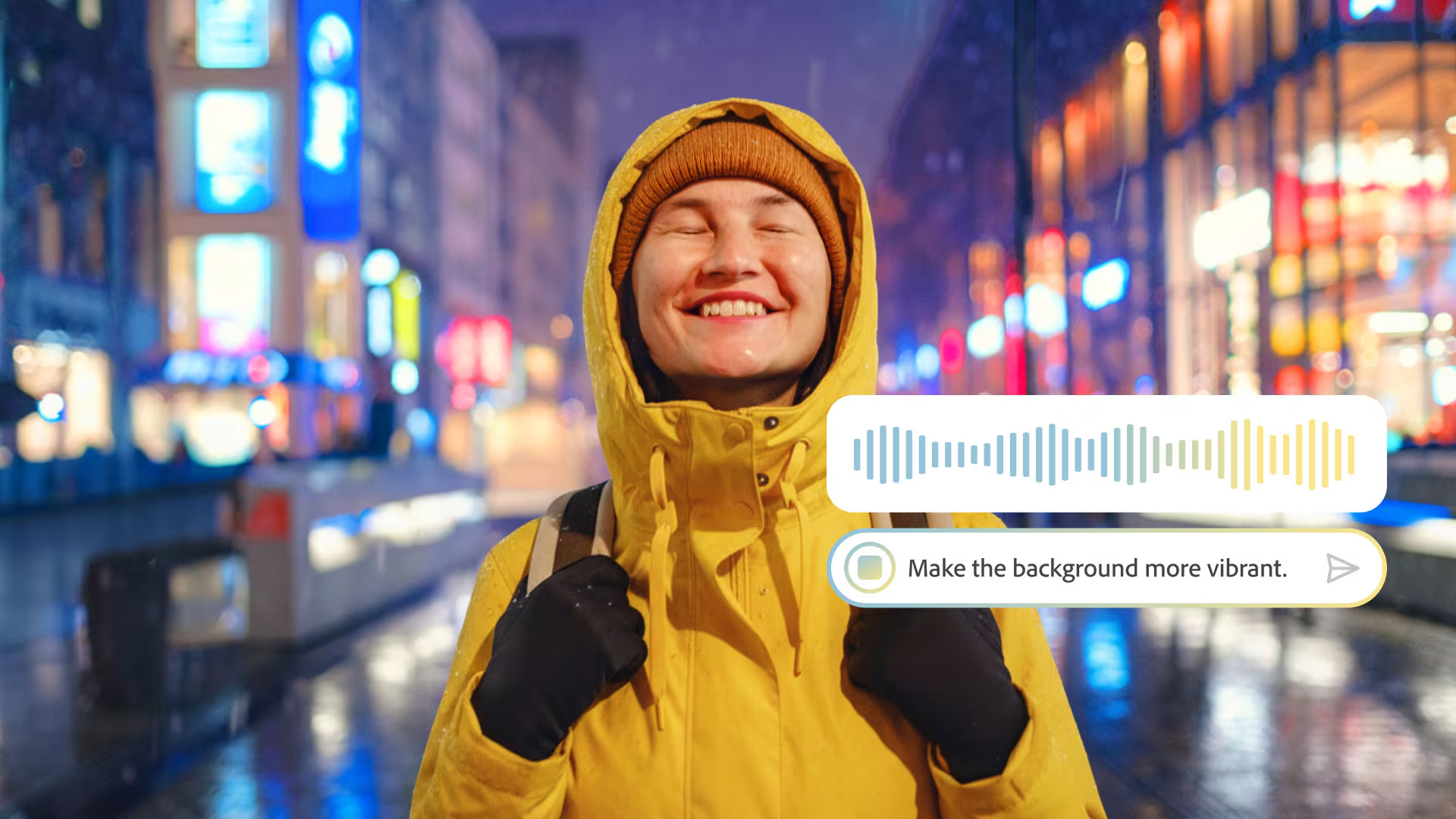
As of this week, you can. On March 10, 2026, Adobe officially rolled its AI-powered Photoshop AI Assistant out of the lab and into public beta for web and mobile users. The biggest highlight for creators on the go? The Adobe Photoshop mobile app now allows you to communicate with the AI Assistant via voice requests.
Here is a breakdown of how this futuristic feature actually works, and why it might just change your mobile editing workflow forever.
Conversational Editing: How It Works
Editing images may soon feel more like talking to a digital assistant than operating professional software. With the new update, you no longer have to hunt through nested menus or remember complex tool names.
Instead, the mobile app supports voice commands so you can simply narrate your edits while you work on the go. You can use natural language to request changes in plain English.
For example, a user could ask the assistant to:
- “Remove the photobomber on the left”.
- “Make the lighting warmer like golden hour”.
- “Brighten the image” or “adjust colors”.
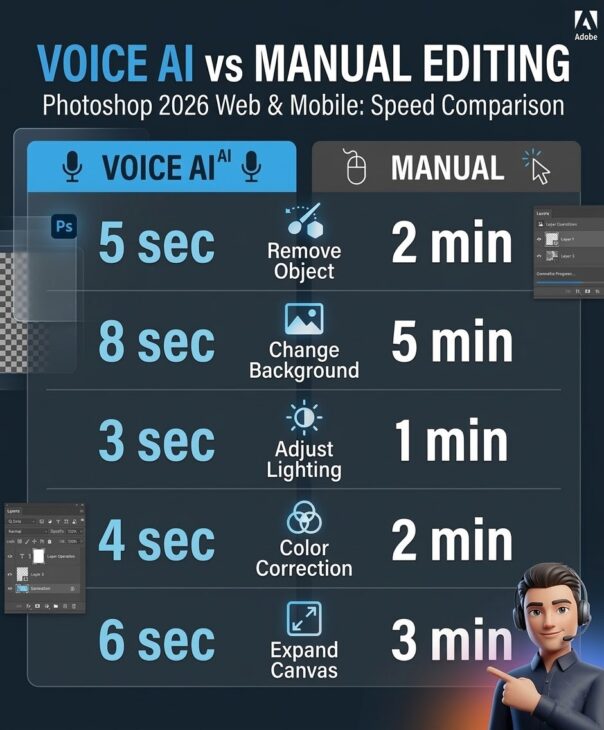
The AI Assistant interprets your intent and automatically applies the appropriate tools, whether that means using selections, content-aware fills, or generative tweaks. All of this happens without you needing to manually navigate the interface.
The “Do It For Me” vs. “Show Me” Approach
One of the most common fears about AI in creative fields is that it will simply take over, leaving the user with no actual skills. Adobe has addressed this brilliantly by making the AI Assistant function as both a workhorse and a tutor.
When you give a command, you have two options for how the assistant handles it:
- “Do it for me”: You can allow the AI to automatically apply the edits and make bespoke changes, such as removing objects, altering backgrounds, or tweaking the lighting.
- “Show me”: If you are not keen on giving the AI free rein, or if you simply want to learn how to perform specific functions manually, the assistant can guide you through the process step by step.
This conversational approach is designed to make complex editing tasks significantly easier for beginners, while still acting as a massive productivity booster for seasoned professionals.
“Using AI Assistant in Photoshop is as simple as describing the edits you want — like removing distractions, changing backgrounds, refining lighting, or adjusting color.” — Adobe Blog
Protecting Your Original Artwork
If you are worried that a misunderstood voice command might permanently ruin your favorite photograph, you can breathe easy.
The assistant is designed to augment, not replace, traditional Photoshop controls. Crucially, any edits made by the AI Assistant are placed on new layers. This guarantees a non-destructive workflow, meaning you can always revert back to the original image or easily tweak the AI’s changes using familiar sliders and brushes at any time. Users are still expected to maintain final editorial oversight over the results before finishing their projects.
Why Voice Commands Matter in 2026
Bringing voice capabilities to the Photoshop mobile app is not just a cool party trick; it is a massive accessibility and ergonomics gain for phone-based creators.
Mobile editing has always been limited by screen real estate. By shifting the primary input method from your fingers to your voice, Adobe has effectively removed the physical barrier of the mobile interface. It lowers the barrier to entry, allowing students, marketers, and hobbyists to experiment without memorizing a deep toolset.
The “Unlimited” Bonus
If you are eager to test out shouting commands at your phone, now is the perfect time to do it.
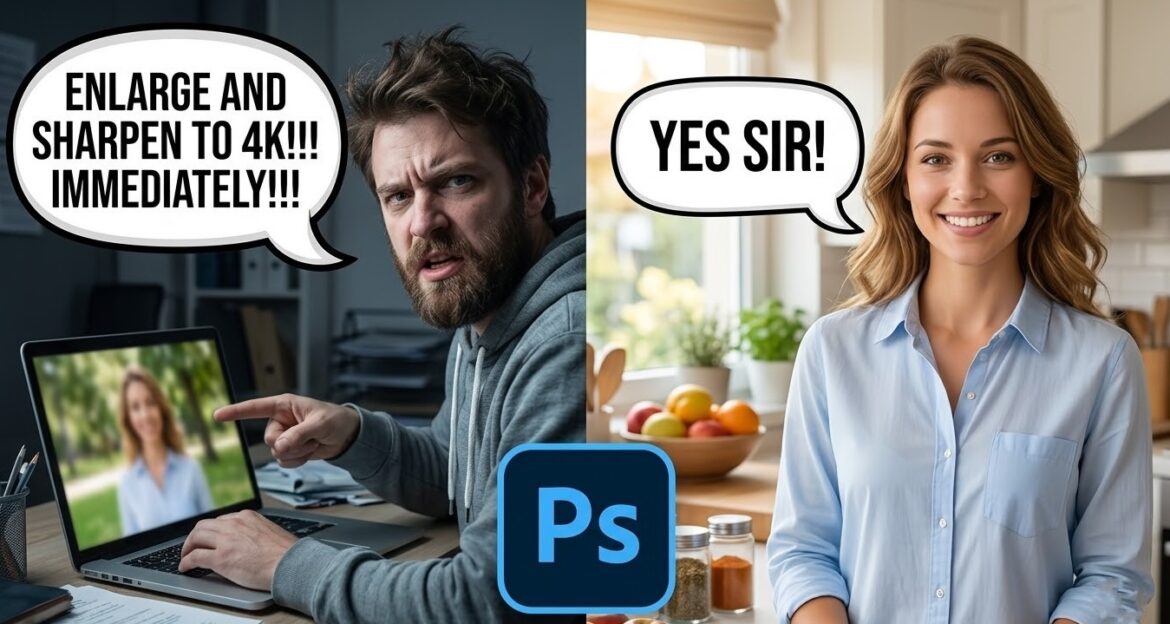
To encourage users to experiment with these new features, Adobe is temporarily lifting its generative AI caps. For a limited time, paid Photoshop subscribers on web and mobile can generate unlimited AI results using the new AI Assistant until April 9, 2026.
Quick Recap of the March 10 Update
If you are updating your Adobe apps today, here is a quick cheat sheet of what to look for:
| Feature | Platform | What It Does |
| Voice Editing | Mobile App | Allows users to narrate edits and adjustments on the go. |
| AI Markup | Web Version | Lets users draw directly on an image and attach a text instruction to guide the AI. |
| Firefly Image Editor | Web | Brings multiple AI generative tools (Fill, Remove, Expand, Upscale) into a single workspace. |
Whether you want to learn how to mask a subject or you just want the app to do the heavy lifting for you, Photoshop Mobile is officially listening. Just try not to get too loud if you are editing on the bus.